Your Stream Deck now does Lightroom.
Download Lumapress for free and set up Lightroom Classic the way you work. Sample profiles for every Stream Deck model are included. Start right away and adapt any layout to your workflow later.
Free for personal and commercial use. No account and no subscription needed.
For macOS and Windows · Lightroom Classic 15 or later · Stream Deck app 7.1 or later
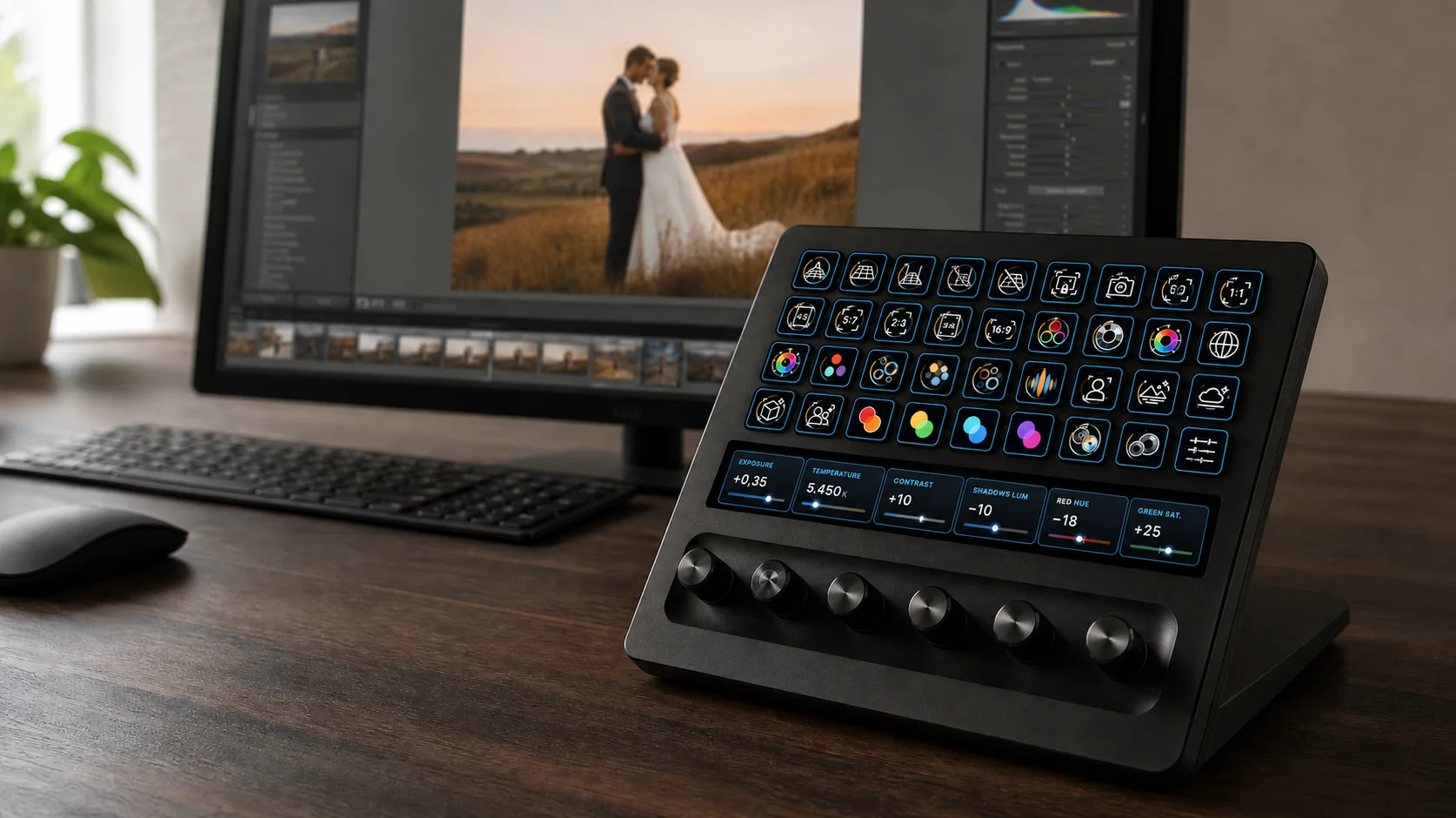

Lumapress connects your Stream Deck and Lightroom without detours.
Lumapress links your Stream Deck directly to Lightroom Classic. You assign keys, dials and the touch strip to the functions you actually use in your work.
You need no MIDI software and no extra translation layer between Stream Deck and Lightroom. Both plug-ins work together locally on your computer.
- Paid extension
- MIDI setup
- Lumapress
Keys for commands. Dials for developing. Live values on the touch strip.
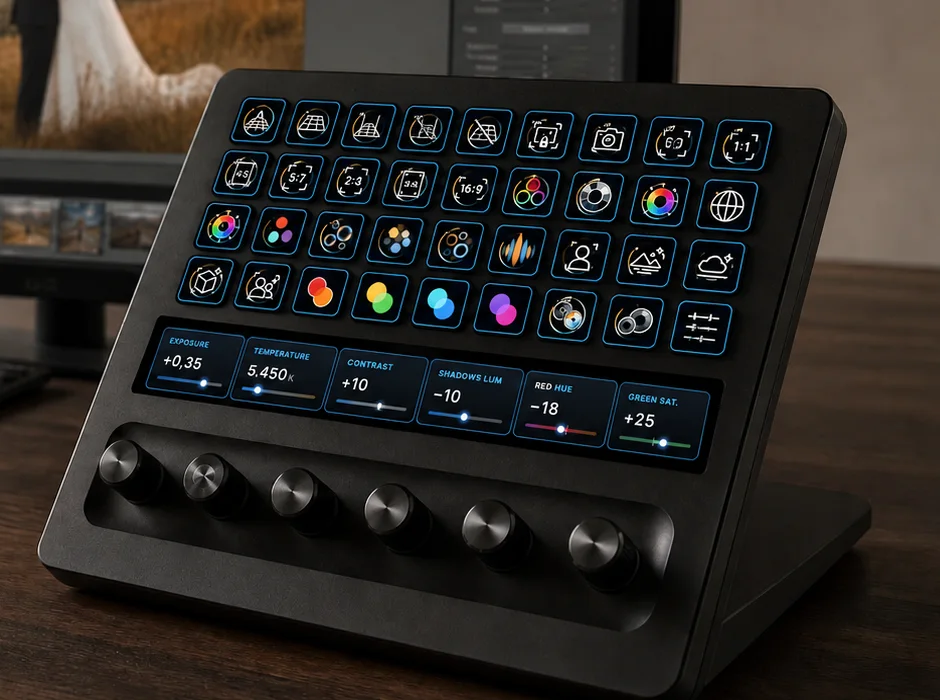
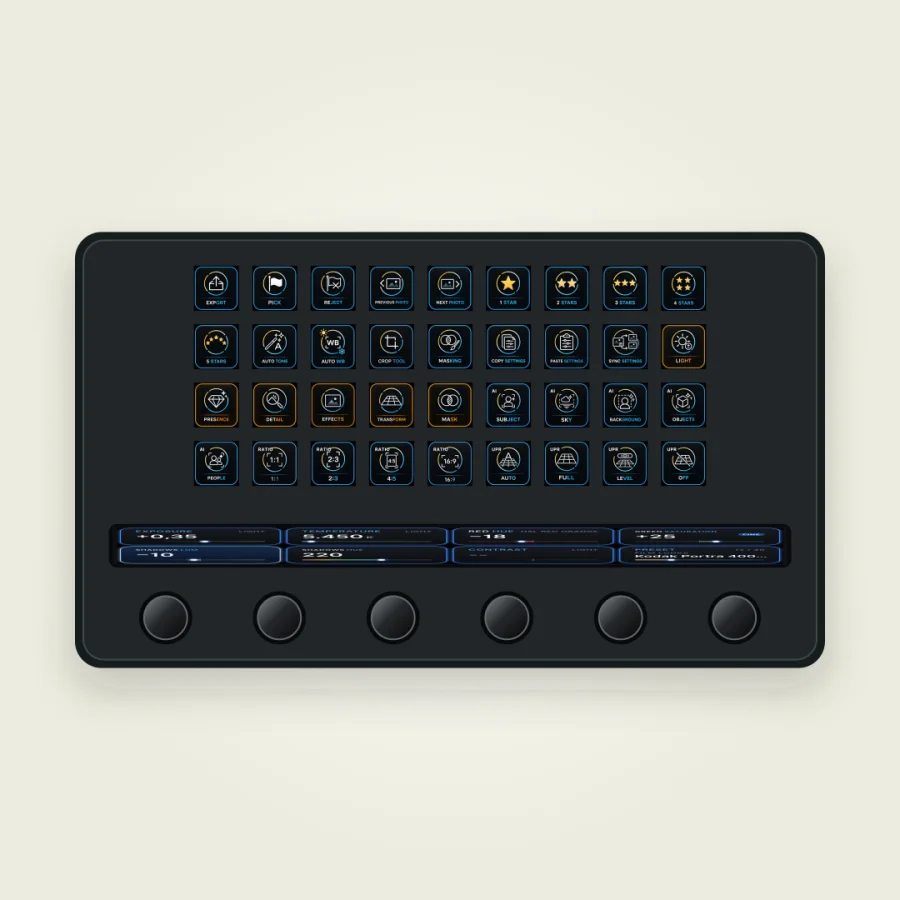
Lumapress uses what your Stream Deck model has to offer. On devices with keys you control commands, presets and masks. Stream Deck + and Stream Deck + XL add dials and a touch strip for direct photo development.
Keys
Flag and rate photos, move between images, open tools, create masks, apply presets, sync settings or start the export.
Dials
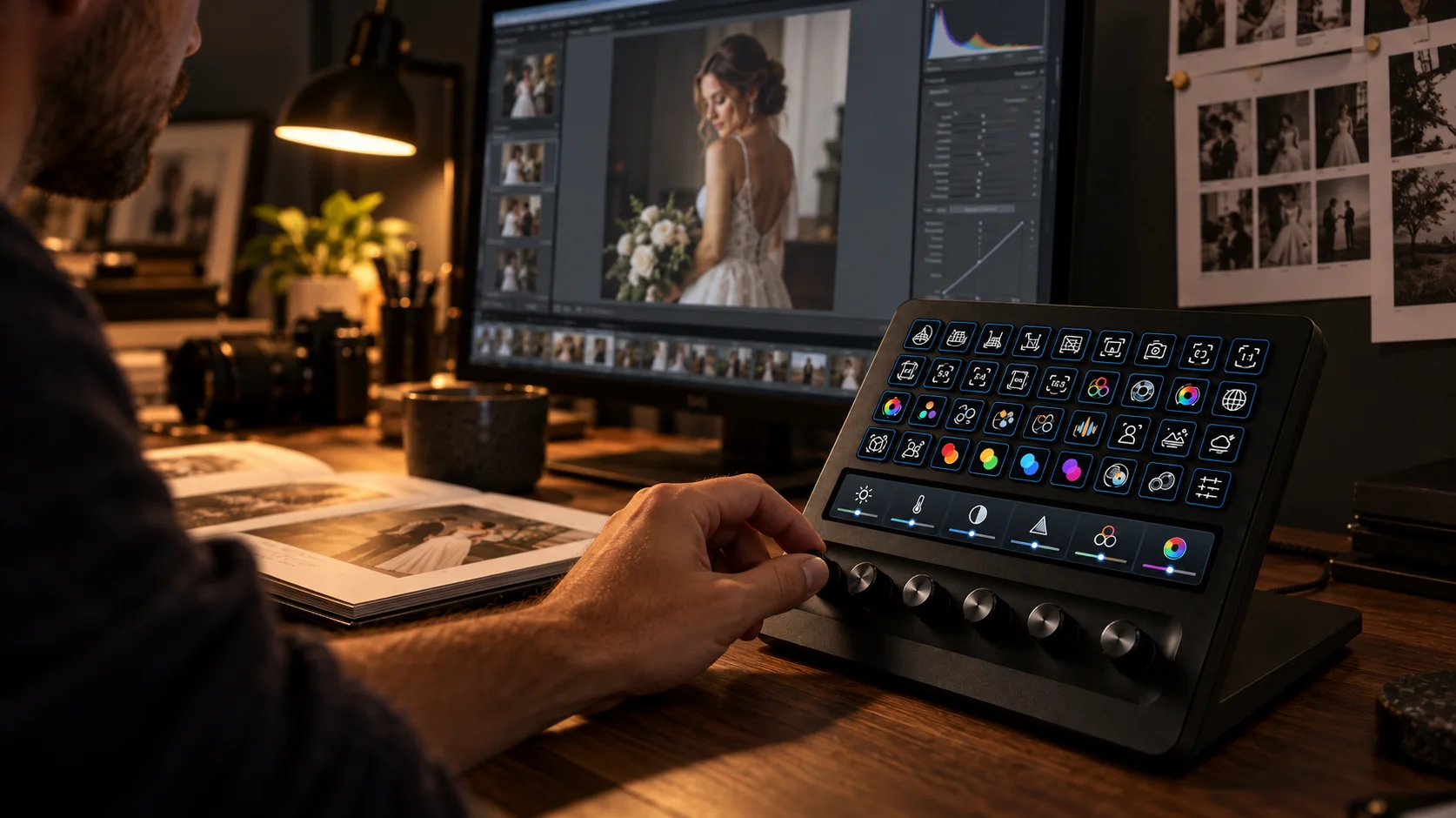
Change exposure, white balance, contrast, HSL, Color Grading, mask corrections and many more Develop values directly. Turn to adjust the value, press to reset it.
Exposure +0.35 Temperature 5,450 K
Touch strip
Current values and the selected dial bank stay visible. One tap switches between fine and coarse steps.
Install, adjust, get going.
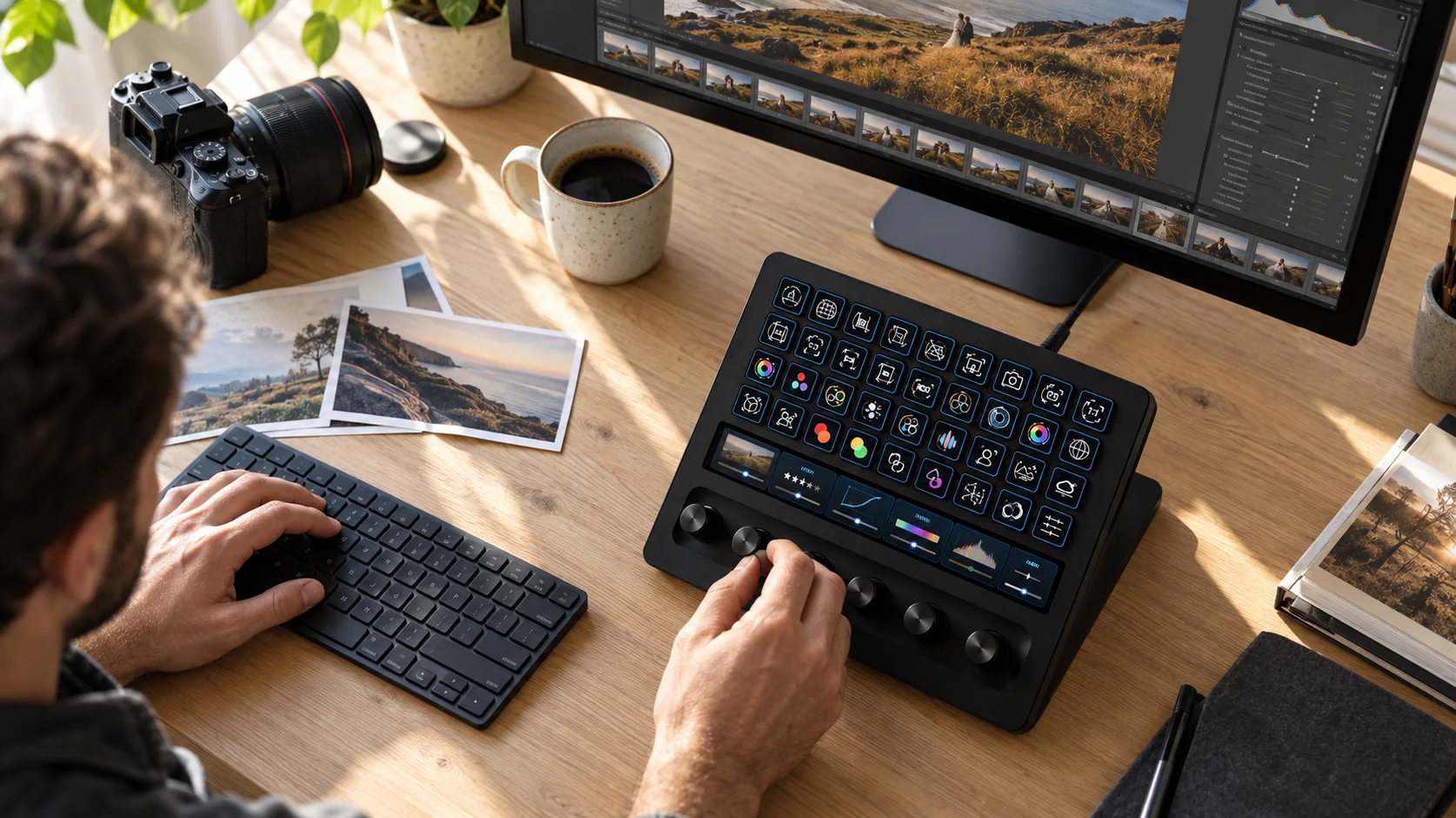
A sample profile is included for every Stream Deck model. It shows how Lightroom Classic can be operated with keys, dials and touch strip, and it is the starting point for your own layout.
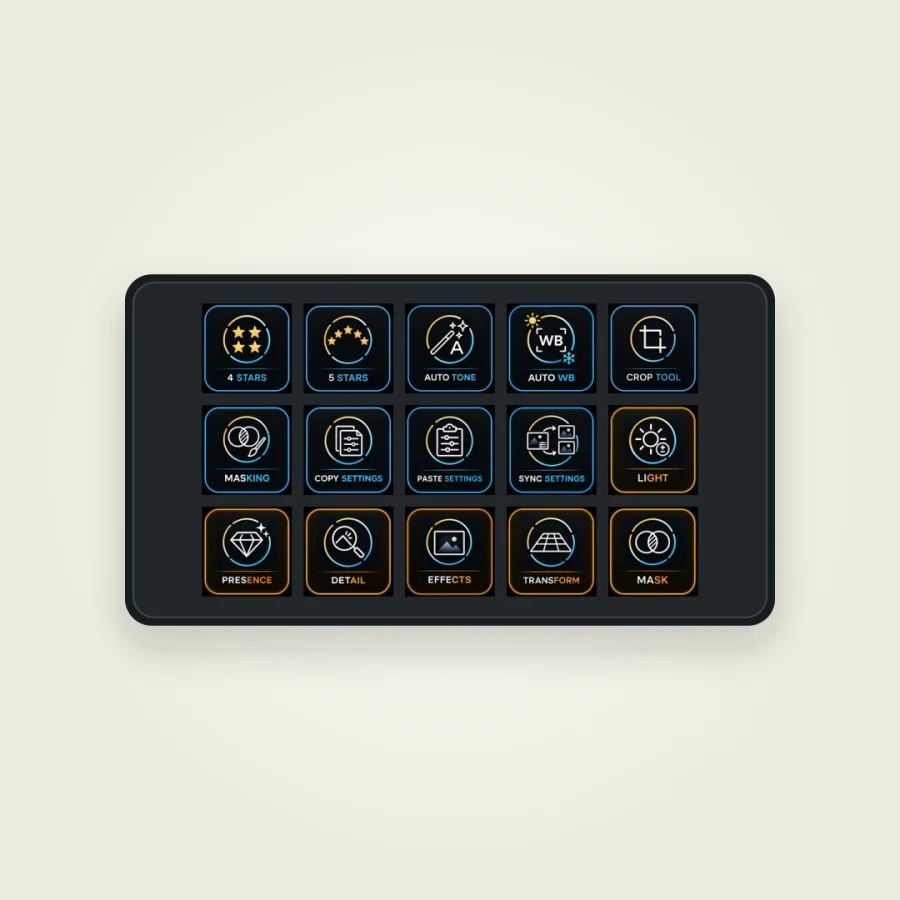
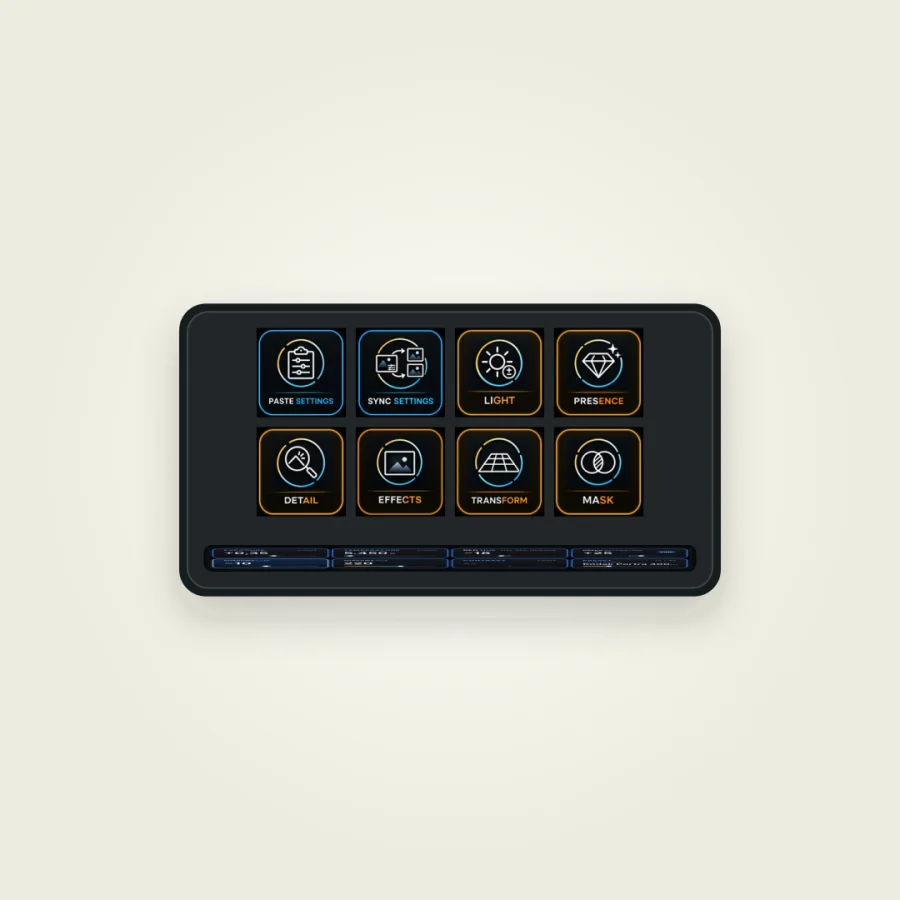
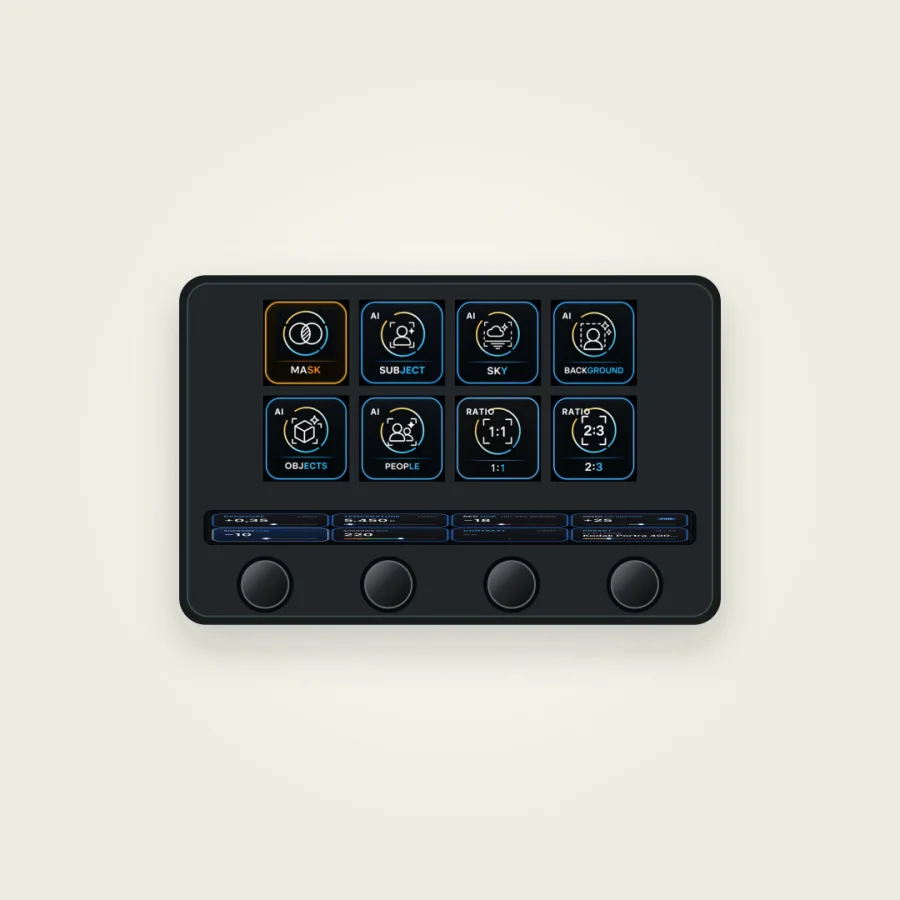
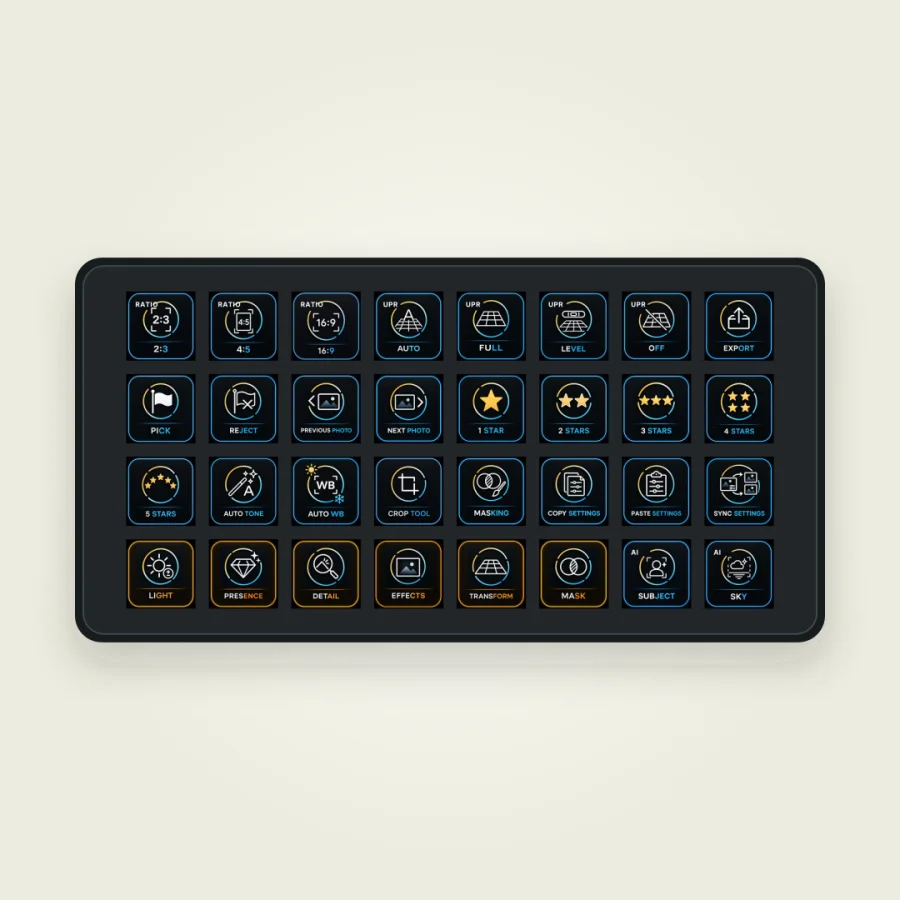
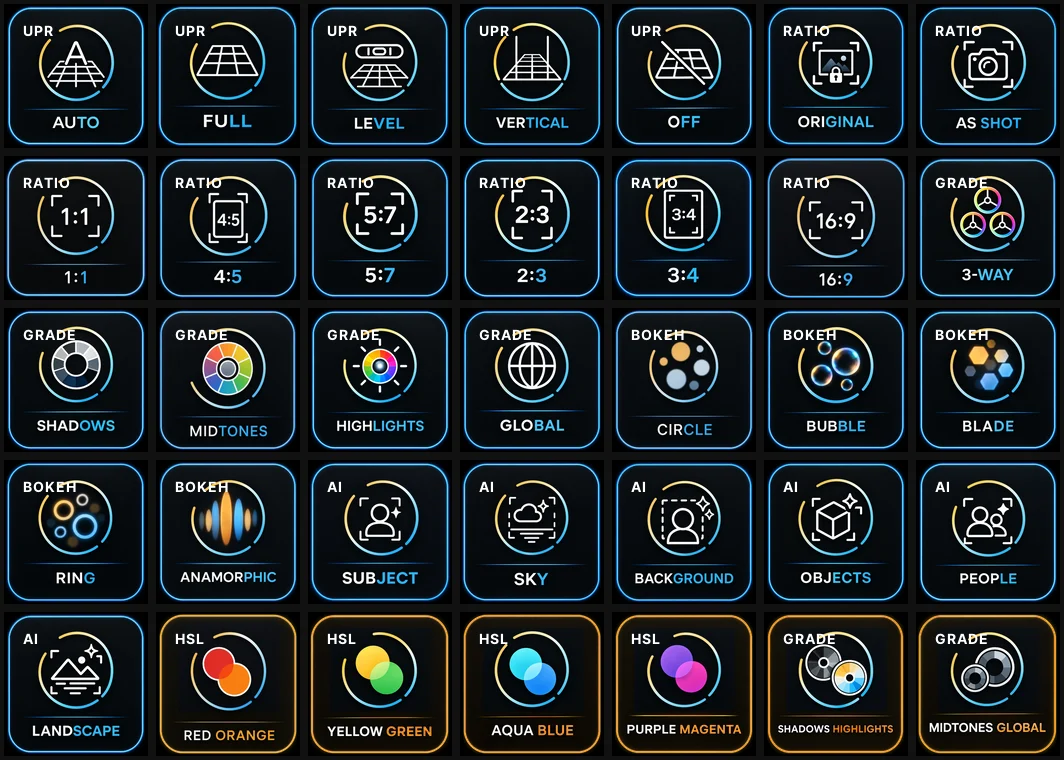
The Lumapress icon pack
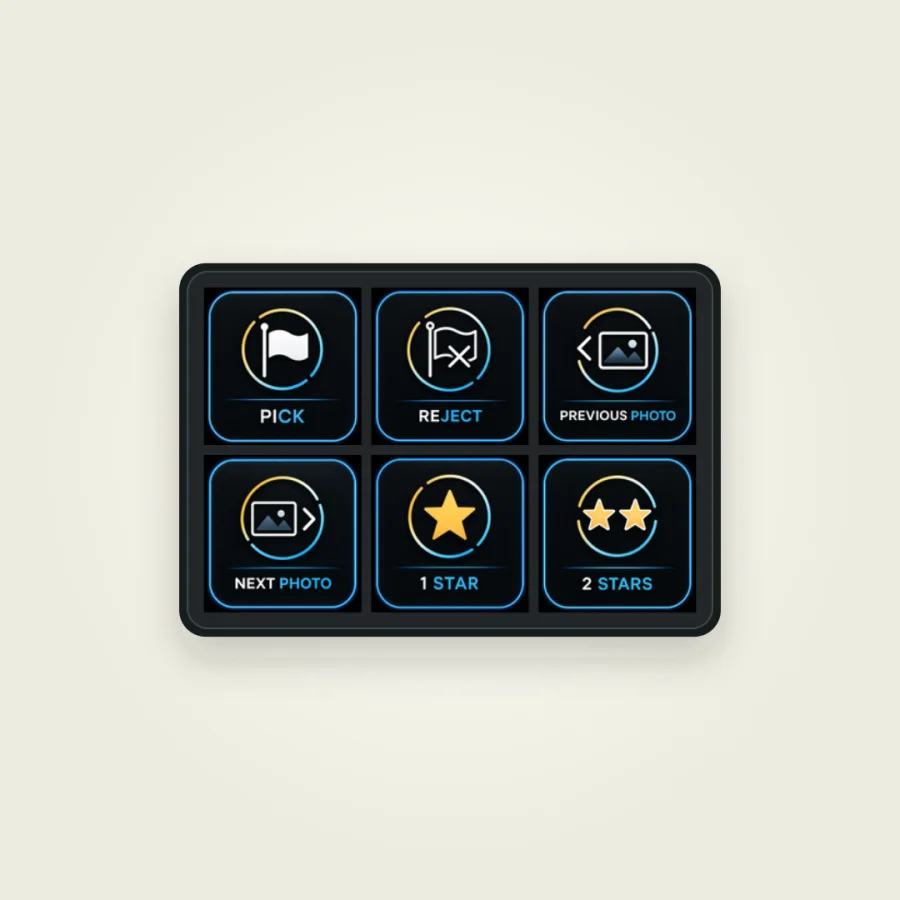
The Lumapress icon pack is a separate free download. It contains the matching icons and active states for a tidy layout.
Two plug-ins. Connected to Lightroom Classic in three steps.
Lumapress has two parts. The Stream Deck plug-in handles your input on keys and dials. The Lightroom Classic plug-in runs the chosen functions and reports current values and states back. Both parts talk to each other on your computer only.
Takes keys, dials and touch strip.
Runs the functions and reports values back.
The main package contains both plug-ins and the sample profiles for all Stream Deck models.
-
Download the ZIP file and unzip it.
-
Install the Stream Deck plug-in with a double-click. The sample profiles are added automatically.
-
Put
Lumapress.lrpluginin a permanent place and add it in Lightroom Classic through the Plug-in Manager.
Lumapress then connects automatically. Photos and edits are never sent to aftersnap or to any other online service.
For macOS 13 or later and Windows 10 and 11. Windows support is currently in beta.
Frequently asked questions about Lumapress
Does Lumapress work with every Stream Deck?
Yes. A matching sample profile is included for every Stream Deck model. Keys work on every model. Dials and touch strip are available on the models that have them.
Does Lumapress support the cloud version of Lightroom?
No. Lumapress is built for Adobe Lightroom Classic 15 or later.
Is Lumapress really free?
Yes. You can download Lumapress for free and use it for your professional work as well.
Does Lumapress run on macOS and Windows?
Lumapress supports macOS 13 or later. A beta version for Windows 10 and 11 is included in the download.
Can I assign the keys and dials myself?
Yes. You can adjust the included profiles or create your own. Which Lightroom function sits on which key or dial is up to you.
Are my photos or edits transmitted anywhere?
No. The Stream Deck plug-in and the Lightroom plug-in talk to each other locally on your computer. Lumapress does not send photos or edits to aftersnap or to any other online service.
What are you waiting for?
Download Lumapress for free and try it in your own Lightroom workflow. You need no account and sign up for no subscription. If Lumapress does not suit the way you work, simply remove the plug-ins again.
For macOS 13 or later and Windows 10/11 beta. Requires Lightroom Classic 15 or later and the Stream Deck app 7.1 or later.
Version 1.0.0 · Lumapress is freeware and not affiliated with Adobe or Elgato. Adobe, Lightroom and Lightroom Classic are trademarks of Adobe. Elgato and Stream Deck are trademarks of Corsair Memory, Inc.
Want to keep up with Lumapress?
We let you know about new versions, additional functions and updated profiles. Now and then we also send you a useful tip for your Lightroom workflow.
The download starts right away. You only subscribe to the newsletter after confirming your email address. You can unsubscribe at any time.
The download is running. You can close this window.
Lumapress-1.0.0.zip · 22.2 MB
Do you know aftersnap?
With Lumapress you control your editing straight from the Stream Deck. aftersnap takes care of the next step: delivering your finished photos beautifully.
Create client galleries and slideshows, agree on selections in proofing galleries or design collages right in your browser. All in one place, and under your own domain if you like.