A ZIP file has never given anyone goosebumps.
Photographs carry feeling. The handover decides how much of it still arrives when the gallery opens. With aftersnap you deliver shoots in expressive galleries and slideshows, tuned for computer, tablet, and phone.
Plans from €7.99 a month. Cancel monthly.










Impress your clients with a clear, large-format presentation.
With aftersnap your photos sit in an expressive layout that is easy to use on a computer, a tablet, and a phone. No account, no app, and nothing that pulls attention away from your images. See what that looks like with a full shoot.




With music, the gallery becomes a presentation.
Your clients start the slideshow right in the gallery. You set the image sequence, the pace, and the music. If you change images or their order later, the slideshow shows the new version the next time it starts. You do not have to export a video or send a second link.
Learn more
Large galleries stay easy to navigate
At weddings and events, guests find their own photos with a selfie. Content search filters by subject as well: ceremony, party, cake. The interface sets itself to the browser language.
Sina Spindler on her first gallery with aftersnap
Publish in the browser or directly from Lightroom.
Upload finished images in the browser, or publish them from Lightroom Classic without exporting first. Either way, your clients get an aftersnap gallery.
In the browser
Create the gallery, upload the finished images and set password, downloads and layout. Then you share the link.
From Lightroom Classic
Publish finished edits straight from the catalog. There is no folder export and no separate upload. Changes go to the gallery through the same publish service again.
On a proofing job you pull the finished selection back into Lightroom as a collection.
See the Lightroom plugin →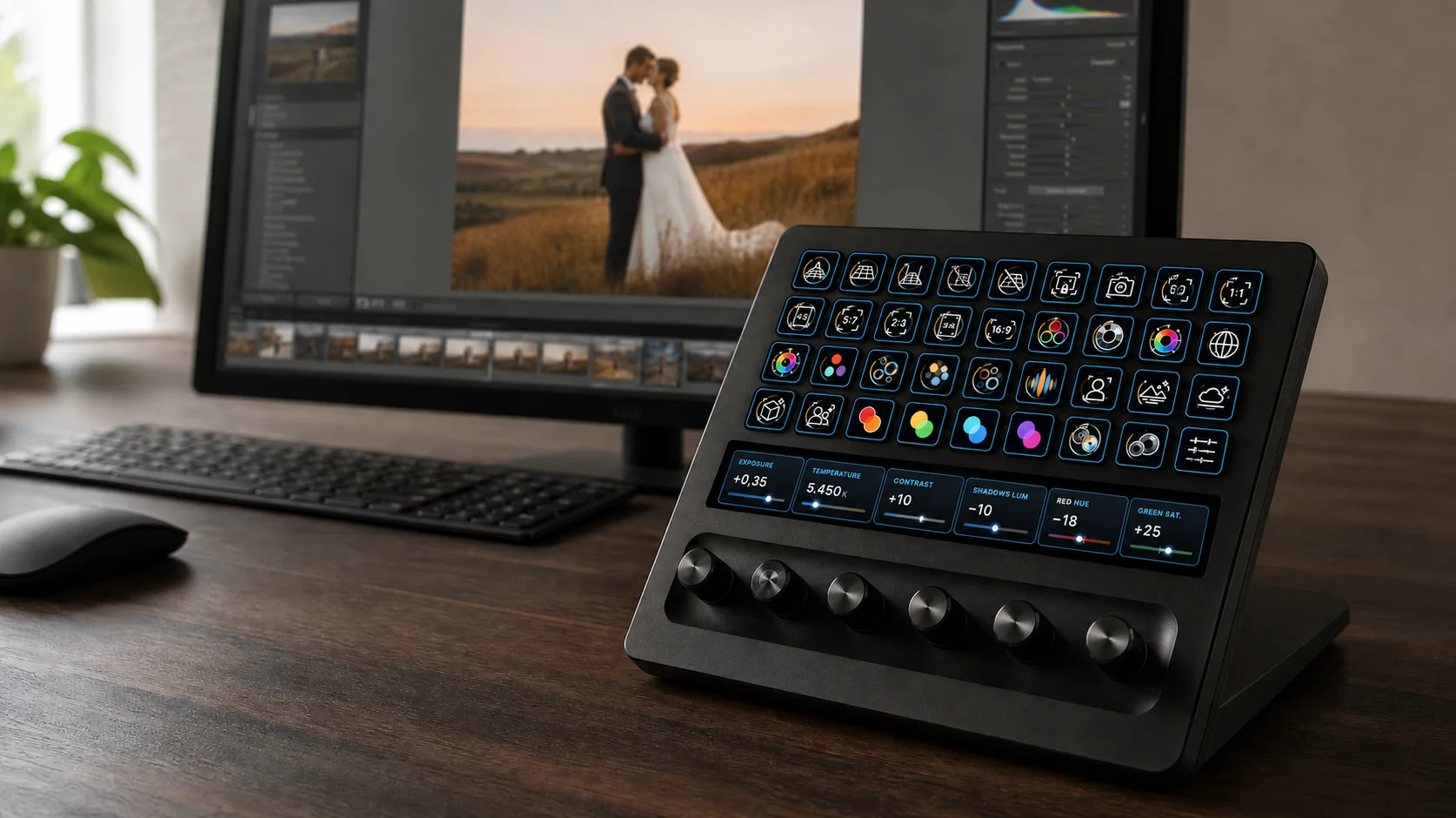

Proofing galleries
Picks and change requests stay on the photo.
Proofing is a gallery type of its own, for jobs where your clients pick first. You set how many images the package includes, collect requested extras and answer comments right on the photo. Once the selection is closed for good, you edit exactly what was ordered.
See the proofing gallery →
Protected previews, watermarks and an optional blur make it harder to take images without asking. No web gallery can prevent screenshots entirely.
The gallery shows your name, not the platform’s.
Use your own domain and take off the aftersnap branding if you want. From the first link to the download, the gallery stays part of your brand.
gallery.yourname.com
Your address
Your own subdomain puts the gallery visibly under your brand. aftersnap sets up the certificate and the encrypted connection.
Downloads by job
You set password, single download and ZIP download per gallery. In a proofing gallery you release the finished files only after the editing is done.
Protection where you want it
Watermarks mark previews or released downloads. In a proofing gallery, blocked mouse actions and the diagonal blur raise the hurdle for image theft.
Put your images to work on your website and in the vendor network.

Snap-ins
Embed an image strip on your website once. You update images, order and styling inside aftersnap later, without going back into your website media library.
See snap-ins →
Vendor galleries
Add the venue, the florist or the planner to your network with a join link or a QR code. Then you put together a separate image release for each business, with your terms of use.
See vendor galleries →Plans from €7.99 a month.
Pick the plan that matches your workload. Monthly or yearly, cancellable at the end of the billing period you chose. You can try the Studio plan free for 14 days. No credit card, no automatic renewal.
Show your images the way they deserve to be seen.
Create your first client gallery for free. No credit card needed, and the trial ends automatically if you do not book a plan.