Designing an Instagram carousel from a series of photos
How to turn a series of images into a coherent Instagram carousel: cover frame, transitions, crops and export in aftersnap.
A good series of images does not automatically become a good carousel. With this routine you plan the opening, the transitions, the crops, the text and the export so that the sequence works while the individual tiles still make sense on their own.
A good series is not automatically a good carousel. Swiping creates new image edges, a wide subject can run across two tiles, and a face can land exactly on a dividing line. You are better off making those decisions before the export than at the point of publishing.
Choose a series, not just individual favourites
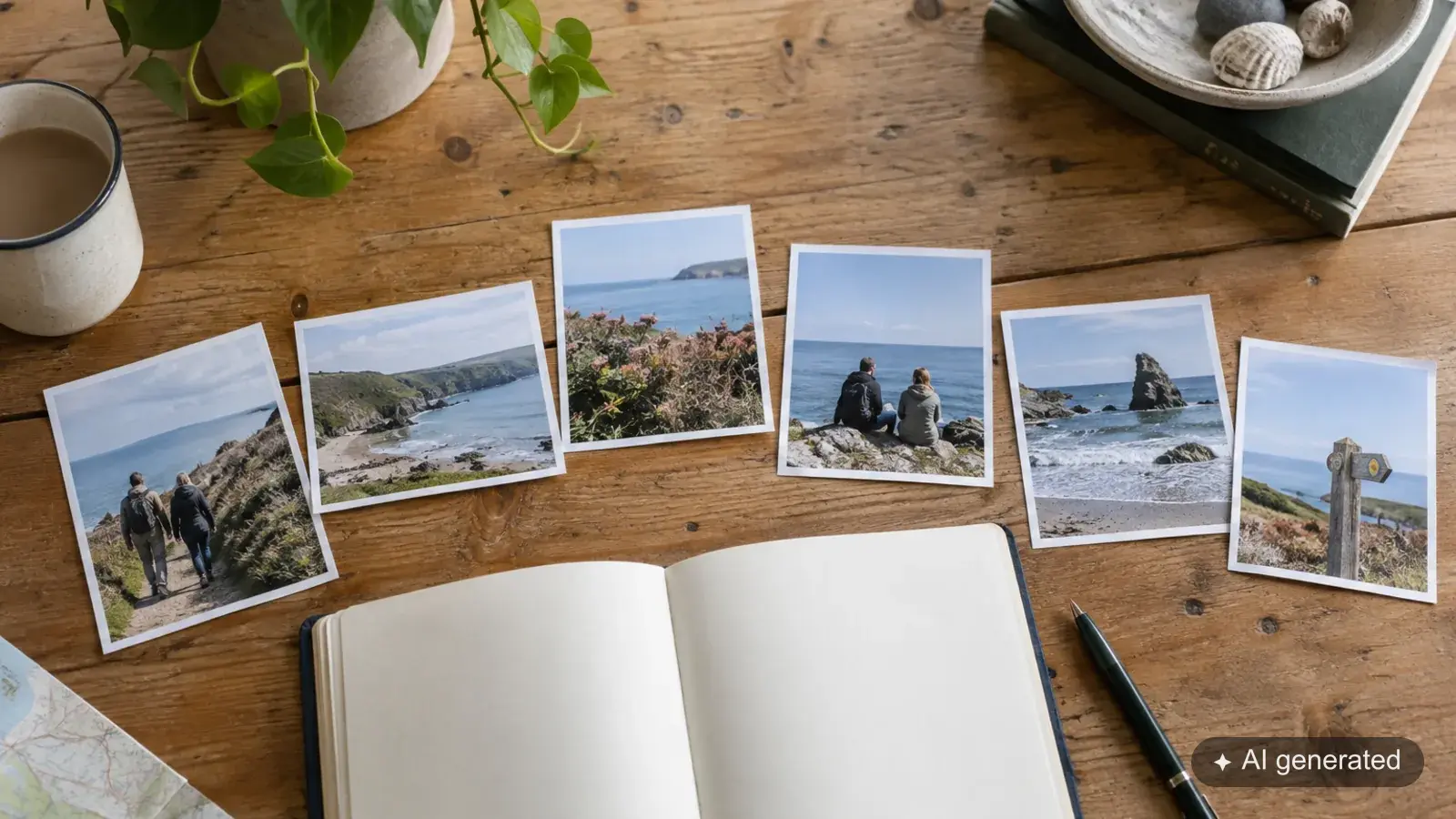
Start with images that belong together in content. For a coastal walk that might be one wide frame, two portraits and a detail. They do not all have to share the same perspective. Together, though, they should add up to an impression that makes sense.
Better to keep the selection manageable. If you can barely tell two subjects apart, the carousel probably needs only one of them.
The first image carries the opening
The first tile should make sense on its own too. A subject that runs on into the next tile can work, as long as enough remains visible in the opening.
Check the crop on a phone. A face that works well in the large working view can be cut awkwardly in a smaller preview. So also look at the actual preview at the publishing step.
Use transitions deliberately
Wide subjects lend themselves to a transition. Where you can, put the tile boundary through a quiet area of the image rather than through a face.
A split background can build curiosity about the next image. An important expression cut in half, on the other hand, robs the single tile of its effect. The connection therefore has to work both when swiping and when someone pauses briefly.
Text stays on one tile. A headline that only becomes readable across two views asks for more attention than it is worth.
Building the collage in aftersnap
Under “Collages”, create a new collage and choose the carousel format. Using “Choose images” you bring in suitable frames from your galleries. You can add uploads of your own.
“Fill automatically” gives you a first layout. Treat it as a design suggestion: move the crops, judge the order and look at the tile boundaries. Note that filling automatically again can replace a layout you have already built.
The exact steps are described in the aftersnap handbook.
Go through the whole thing once before you post
Export the tiles and check their order. Open the first, a middle one and the last file individually. Does each view make sense? Are the transitions right? Does the text stay easy to read?
Then select the files in that order in Instagram. Check the crop and the preview there again. The export is the design master; the published version is something you check in the platform itself.
A good sequence of images needs no promise of more reach. It gives the images you already have a connection that fits. Try aftersnap for free.
From the statement to the number of images
Before you design anything, put into one sentence what the sequence is meant to show. A complete shoot is not a statement. “A quiet walk by the sea, from the wide opening to the portrait”, on the other hand, gives you a criterion for selection.
Every tile should have a job: opening, change of place, closeness, detail or ending. If two tiles do the same job, the stronger one stays.
Split subjects need room to spare
An image edge that runs through a face, a hand or readable text quickly looks accidental. Put dividing lines in quiet areas and check both single tiles. In the profile grid or in a preview, a tile may first appear without its neighbour.
Do not run important text across two tiles. It has to be fully readable in one view and keep enough distance from the edge.
Find export mistakes before Instagram does
Check the file order, the dimensions and the colour space. Open all the tiles in the intended order on your phone. Check the transitions once with a quick swipe and once tile by tile. Only then do you assemble them in the platform.
Read on
- Showing new photos on your website without rebuilding every image sequence
- 2,000 photos, one finished selection: how to cull a reportage