Pass Gallery pricing: plans, fees, refunds
Pass Gallery: plans from $1 to $125 a month, 15 % commission on the entry plans, no refunds. Compared with aftersnap, in euros from €7.99.

Pass Gallery (Pass for short) is a provider from Laguna Beach, California, that sells client galleries with an app, slideshow and shop and tempts you in with a dollar for the first month. Photographers who search for “Pass Gallery alternative” have usually had one of two experiences: a pricing structure that is hard to make sense of, or support that doesn’t answer. Both come up in user reviews. This post goes through the differences, as of 17 August 2026.
Pass Gallery in three paragraphs
Behind Pass is PASS+, Inc. in Laguna Beach; according to the terms of service, governing law and jurisdiction sit in Nevada and Florida (Pass: terms of service). The product: client galleries with password and access code, expiry date, favourites from the Standard plan up, a Lightroom plugin, slideshow with music, watermarks with AI protection against removal tools, your own domain from Standard, an “AI Photo-Search” from Basic whose workings Pass doesn’t describe in any detail, and iOS and Android apps for photographers and guests (Pass: product, Pass help: galleries).
The plans after the introductory month: Starter at $1 with 10 GB and 15 % commission, Basic at $8 ($72 a year) with 20 GB and 15 %, Standard at $24 ($240 a year) with 100 GB, Unlimited at $44 ($456 a year), Platinum at $125. For the Standard plan the pricing page says zero commission in one place and 3 % in another, and we couldn’t resolve that. A real 30-day trial exists only for Standard; every plan is paid in advance, with no refunds (Pass: product and pricing).
The shop works with US labs (Bay Photo, WHCC, KISS Books, Miller’s) and Loxley Colour in the UK; we didn’t find an EU lab. According to the privacy policy, servers run in the USA on AWS; Pass describes itself as both controller and processor under the GDPR, and we couldn’t find a data processing agreement to sign (Pass: privacy). Pass has no listing on Capterra or G2; in the App Store the app stands at 3.5 out of 5 stars from 352 ratings, with praise for fast uploads and criticism of unanswered support requests and galleries deleted for inactivity (App Store: Pass Gallery).
Pricing: dollars against euros
| Pass Gallery (monthly / annual, US$) | aftersnap (monthly, € incl. VAT) | |
|---|---|---|
| Entry | Starter: $1, 10 GB, 15 % commission Basic: $8 / $72, 20 GB, 15 % |
Basic: €7.99, 50 GB, 15 galleries |
| Middle | Standard: $24 / $240, 100 GB, 0 or 3 % (contradictory) | Pro: €14.99, 300 GB, unlimited galleries |
| Top | Unlimited: $44 / $456 Platinum: $125 |
Studio: €24.99, 1 TB Unlimited: €99, unlimited |
| Trial | 30 days on the Standard plan only; otherwise $1 for the first month | 14 days of Studio, no payment details |
| Refunds | none (prepayment) | subscription runs to the end of the period, then 30 days online |
Sources: Pass: product and pricing, aftersnap pricing.
On storage we are more generous: 50 GB against 10 or 20 GB at entry level, 300 GB against 100 GB in the middle, a terabyte for €24.99 against 100 GB for $24. At “unlimited”, Pass at $44 is cheaper than our Unlimited plan at €99. What matters more to us: our pricing page shows one figure per plan, and it holds, in euros, VAT included, cancel monthly, annual plan for the price of ten months. The euro figures are prices for Germany including 19 % VAT; other EU countries apply their own rate, and businesses with a valid VAT number are billed ex VAT (reverse charge).
What guests see
Face search. At Pass we found no selfie search for guests: the “AI Photo-Search” is advertised but not explained. At aftersnap, face search is part of the Studio plan: upload a selfie, see your own photos, no account needed. The data for it is used only inside the gallery it was created for and disappears with it; we don’t train any AI on your photos (not third-party, not our own), and the analysis runs on our own servers in Europe. Content search comes with Pro and above: ‘dancing’, ‘cake’, ‘flowers’ or ‘view’ as filters, combinable with a person, and we explain how it works.
Both have a slideshow with music: Pass inside the gallery with autoplay (Pass help: music in the slideshow), ours from Pro up with music from a licensed aftersnap library, as the first impression before the gallery opens (slideshow).
Languages. We couldn’t confirm whether Pass shows the gallery to guests in anything besides English. aftersnap shows galleries in 32 languages (all 24 official EU languages and eight more, automatically following the browser setting) and the dashboard in 14 languages, English included.
Your own domain, watermark, expiry date, password. Both have them; at Pass the domain from Standard up (Pass help: custom domain), with us from Studio, your subdomain at aftersnap from Pro, and your logo on every download from Pro.
Delivery and proofing: two kinds of gallery
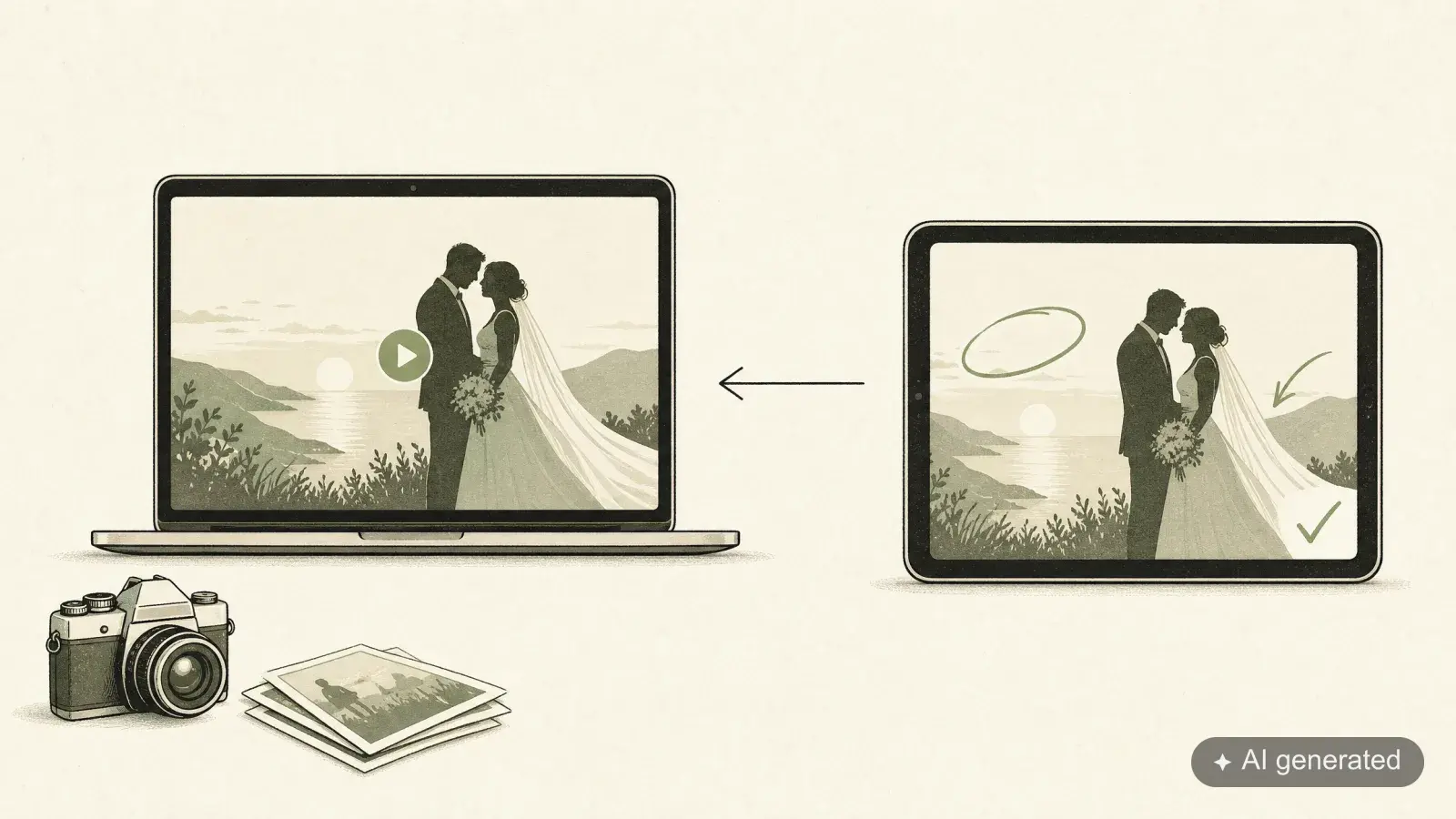
At aftersnap every gallery has one of two modes. The delivery gallery is the evening the couple sees their photos for the first time: slideshow first, large view, downloads on your terms, face search for guests. The proofing gallery (Studio plan) is the step before: clients pick their selection and write notes directly on the photo, you edit and replace the photos in the same gallery, and as soon as downloads are open, your clients are told. We built it from scratch rather than copying how others do it: everything happens on the photo, nothing in email threads. Pass has favourites from Standard up; a route for the edited photos back into the same gallery is something we didn’t find there.
Where Pass Gallery is clearly ahead
- Apps for iOS and Android, for you and your guests. Our galleries are built for the phone and run in the browser, selfie search included, nothing to install.
- A shop with US and UK labs. aftersnap concentrates on delivery and presentation.
- One dollar for the first month. If you only want to try it out, you pay next to nothing.
- Unlimited for $44.
Where aftersnap is different
- Young and evolving. aftersnap is young and continuously developed: what you read here is the state of play in August 2026. Team accounts, video and a blog module that lets your galleries live inside your own website are on the roadmap, and updates arrive continuously, at no extra cost, for every account. Start with us today and you get more gallery every month.
- Pricing you can understand. Four plans, one figure per plan, euros, VAT included, cancel monthly. When your paid period ends, your galleries stay online for 30 days, then go offline; a week later we cancel the account. Nothing is deleted during that time, and if you book again, everything is back at once. No deletion for inactivity.
- Face search and content search for guests, explained and computed in Europe.
- 32 guest languages, 14 dashboard languages.
- Hosting in the EU, data processing agreement in your account.
- Lightroom as a publish service. Both have a plugin; ours creates the gallery and Sets from Lightroom Classic and keeps them in sync (Lightroom plugin). Included from Pro.
- Vendor galleries for the venue, florist and planner (vendor galleries).
Who Pass Gallery remains the better choice for
If you work in the USA, want an app for clients and sell through US labs. If the dollar entry price matters more to you than a clear plan structure.
Pass Gallery alternative: who aftersnap is for
If you want to know what you pay and what happens when you cancel. If you want your photos to sit in the EU, with a data processing agreement in your account. If you want guests to find themselves with a selfie. If your guests come from several countries. If you publish from Lightroom Classic.
Switching: how it works in practice
- Create an account and run both side by side. 14-day Studio trial, no payment details. Your Pass galleries stay up for as long as your account there is active.
- Publish your next delivery from Lightroom. The photos are in your catalogue; with the plugin, the gallery is a right-click away. The source is your catalogue, so every photo arrives in the version you approved. The old gallery never comes into it.
- Back up old galleries before the prepayment runs out. Pass doesn’t refund; download whatever clients might still need.
- Move your domain across. You set up your own domain at aftersnap on the Studio plan.
Frequently asked questions
Can I import my Pass galleries into aftersnap? The route is the Lightroom plugin: the selection is in your catalogue, and the gallery is created straight from it, with no detour through the old gallery.
Does aftersnap delete galleries for inactivity? A gallery expires when you set an expiry date. Otherwise it stays as long as your account does.
Is there an app? The galleries are built for the phone and run in the browser. Selfie search included, nothing to install.
Can I upload videos? Not yet. Video is on our roadmap.
Information on Pass Gallery as of 17 August 2026, sources: passgallery.com/product, Pass help, Pass: privacy, App Store. Prices are subject to change; what counts is what each provider states on its own pages today. Our plans: aftersnap pricing.