Delivering photos to clients: ZIP, cloud folder or client gallery?
ZIP, cloud folder or client gallery: which route suits your job? With a checklist for presentation, download and the handover email.

ZIP, cloud folder or client gallery: by the end of this article you will be able to pick the right route for your job. You will prepare the handover so that your clients see the series at its best and reach the agreed files without having to ask.
The three routes solve different problems. A ZIP moves files, a cloud folder organises them, a client gallery combines presentation and download. What counts is not only what uploads quickly for you, but what happens on the client’s side when they open it for the first time.
What the three routes do
| Route | Well suited to | What to watch out for |
|---|---|---|
| ZIP file | Passing on one coherent set of files | The images have to be unpacked and opened after the download |
| Cloud folder | Keeping files accessible and organising them together | Sharing settings, file names and finding your way around the folder |
| Client gallery | Showing a finished series and offering downloads | Cover image, order, access and the scope of the download |
A ZIP file is a file format, not the opposite of every gallery. A client gallery can offer the whole series as a ZIP download too. The difference lies in what your clients see beforehand.
Start with the job
An agency may need unambiguously named files for a production. Here what mostly counts is that the scope, the formats and the versions are right.
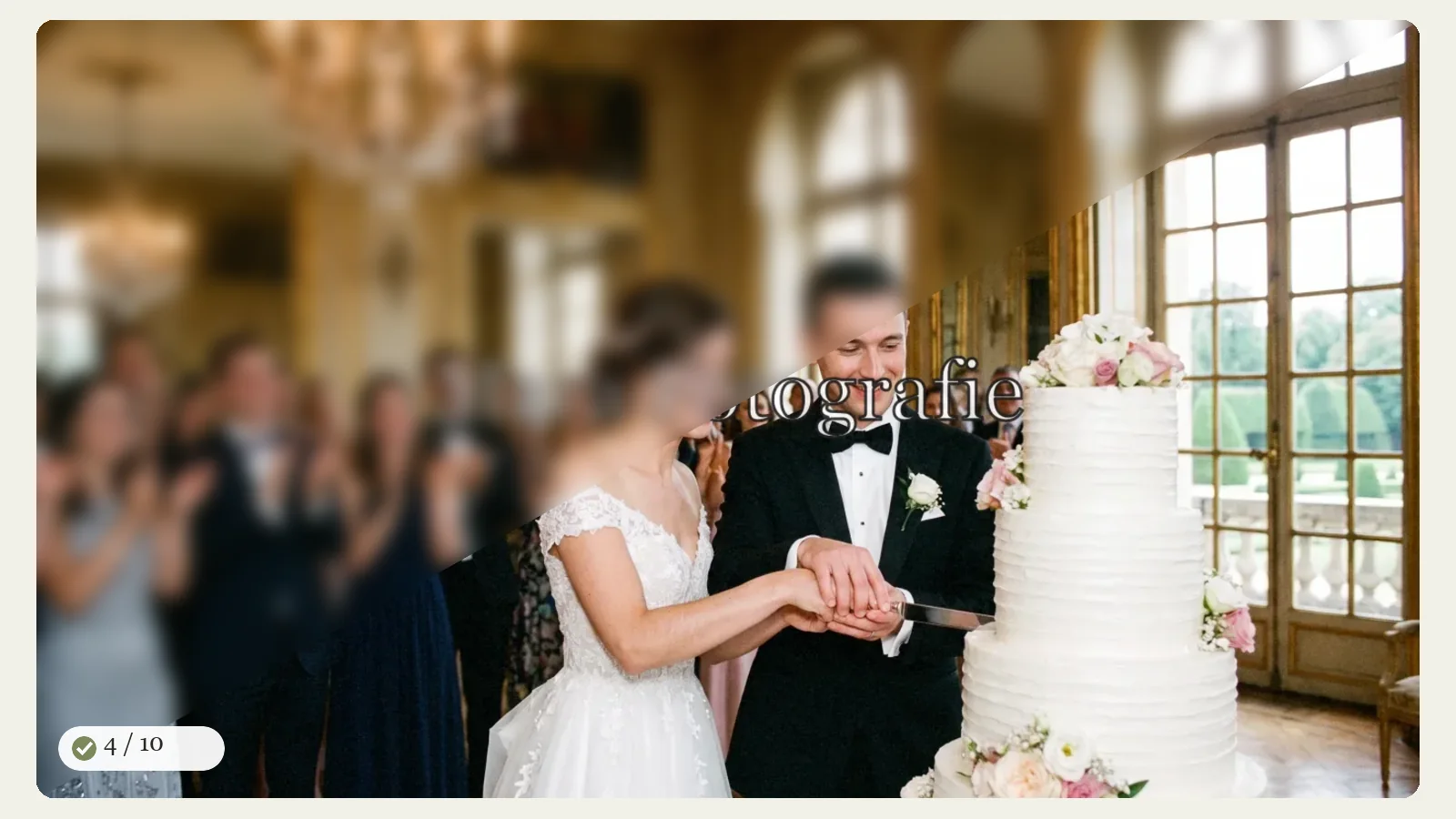
A married couple want to live the day again. A well-built gallery gives the sequence of images room before the files land on their own computer.
With a portrait job followed by an image selection, though, no finished delivery has begun yet. For that you need a selection process. Favourites and change requests belong in that step, not automatically in every delivery gallery.
How to prepare the gallery
Choose a cover image that represents the series and works well on a phone too. Order the images so that the opening holds. On longer reportage work, clearly named sections help.
In aftersnap you can upload images through the browser or publish them from Lightroom Classic. Going via Lightroom saves you the separate export and the upload afterwards as a step of its own. Whichever route you take, the most important check stays the same: open the finished gallery as your clients see it.
Check the access and download a file as a test. Is it the size you agreed? Is it clear how to get the whole series? For viewing on a phone, nobody should have to work out your folder logic first.
The handover email can be short
One possible wording:
“Your images are ready. Using the link below you can look through the whole series at your leisure and download the files that have been released. The gallery will stay available until the date we agreed. Please also save the downloads onto a device of your own.”
Add the actual link and the availability you agreed on. If a password is needed, explain that access too.
Walk the route yourself
Open an aftersnap demo gallery on your phone. Notice how quickly you reach the series and the download.
If this way of working suits your jobs, you can try aftersnap for free. Use a small series of your own for that. Then you are judging the delivery by your images, not by a feature list alone.
Special cases to weigh before choosing a route
With business clients, fixed file names, several resolutions or a handover to further departments can matter more than a narrative order. A gallery can still make the sign-off easier, while a clearly named set of downloads carries the work onward.
With private reportage work, that first viewing is often part of what you are selling. Then the series should begin without unpacking and folder hunting. For very large downloads, also check how the provider prepares ZIP files and whether clients are told when the file is ready.
Be clear about access and availability
Password, expiry date and download rights belong in the handover plan. Open the link in a private browser window so you do not accidentally test it while signed in to your own account. Check a single image, the full download and the mobile view.
Also say how long the gallery will stay available and that the clients should save the files themselves. The online gallery is a delivery, not automatically the client’s permanent archive.
A small sign-off before you send
Check the cover image, the order, the spelling of names, which sets are visible, the download size and the watermark. Download at least one file by the same route your clients use. If the dimensions, the colour profile and the file name are right, the link can go out.
Read on
- Handing over wedding photos: a gallery where the day comes back together
- Client gallery or proofing: which workflow suits your job?